Move your data into Dataverse. Undo anything.
MDPM moves records from Verto, SQL databases, spreadsheets and APIs into Microsoft Dataverse. It rehearses every load first, keeps a snapshot, and can put everything back with one click.
Runs in your browser with your own Microsoft sign-in. Free plan, no card needed.
- Rehearse4 steps simulated. Nothing changed.
- Snapshot1,240 records copied before the change.before a1f3 9c07 52be 0d14
- Run live2,441 created, 59 updated, matched on project code.
- UndoRolled back. Data matches the snapshot again.after a1f3 9c07 52be 0d14
Brings data in from Verto, SQL Server, PostgreSQL, MySQL, Oracle, Snowflake, Excel and CSV files, JSON, REST and OData APIs, and other Dataverse environments.
How a migration runs
The same four stages every time, whether you load ten rows or ten million.
Plan
Describe the job in plain words. The consultant turns it into a step-by-step plan with costs, risks and sign-off.
Rehearse
A dry run checks every table, column and record and tells you what would change. Nothing is written.
Run
After a second confirmation, MDPM does the work with your own permissions and narrates each step.
Undo
A snapshot is taken before every change. Undo the last step or roll back everything, and see it verified.
Connect the old system to the new one
The Connector Hub reads from databases (through the small MDPM Bridge you run next to them), files and APIs, maps the columns to Dataverse, and checks for duplicates and personal data before anything moves.
- Saved jobs that sync every night and pick up only what changed
- Automatic column mapping you can adjust
- Personal data found, masked or hashed on the way
- Two-way: export from Dataverse back to a database or file
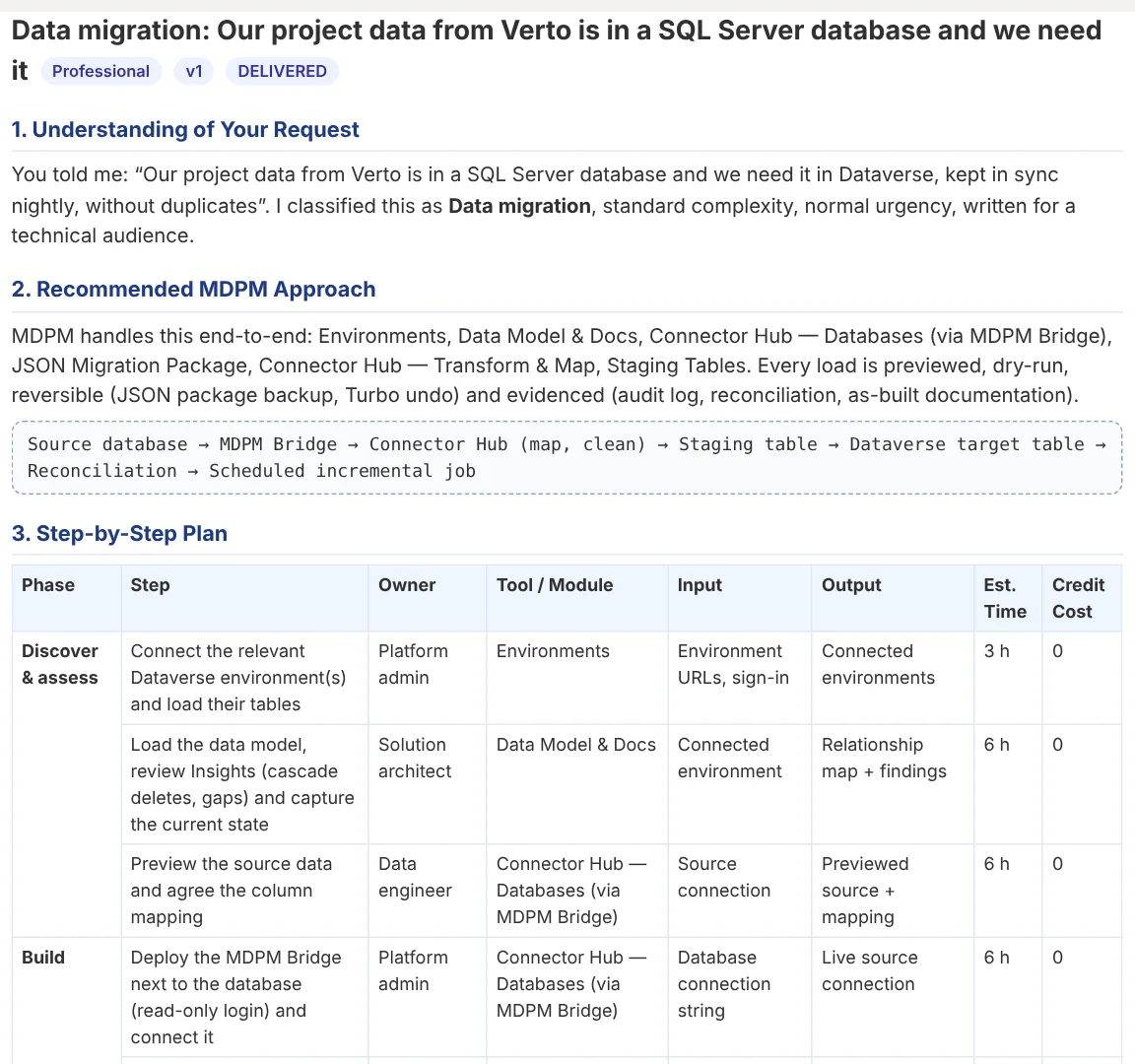
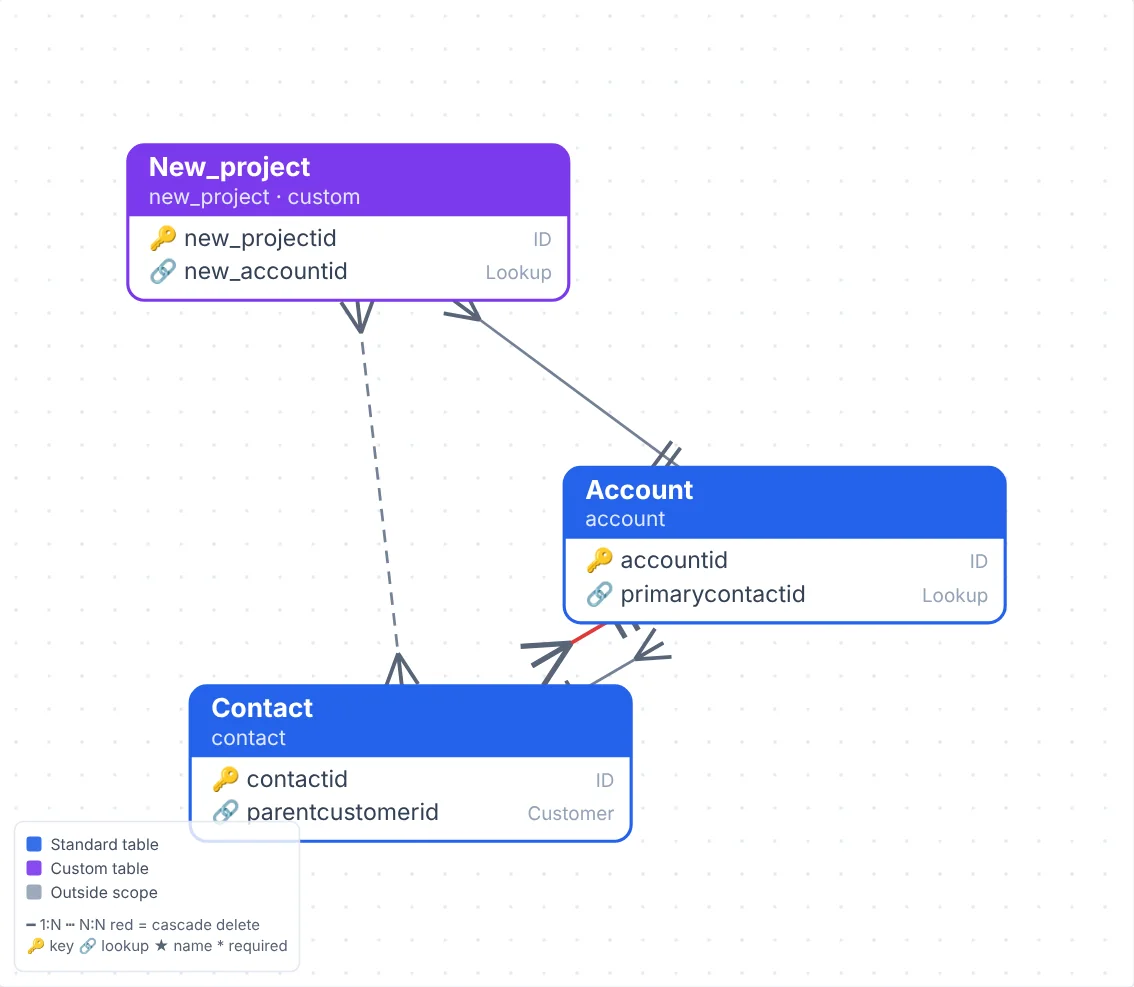
See how your tables connect
Load any environment and get an interactive relationship diagram: drag, zoom, search and focus on one table and its neighbours. Then generate architecture documentation at the level you need, from a one-page summary to a full data dictionary.
Built for everyone on the team
Choose a view when you first open MDPM. Change it any time.
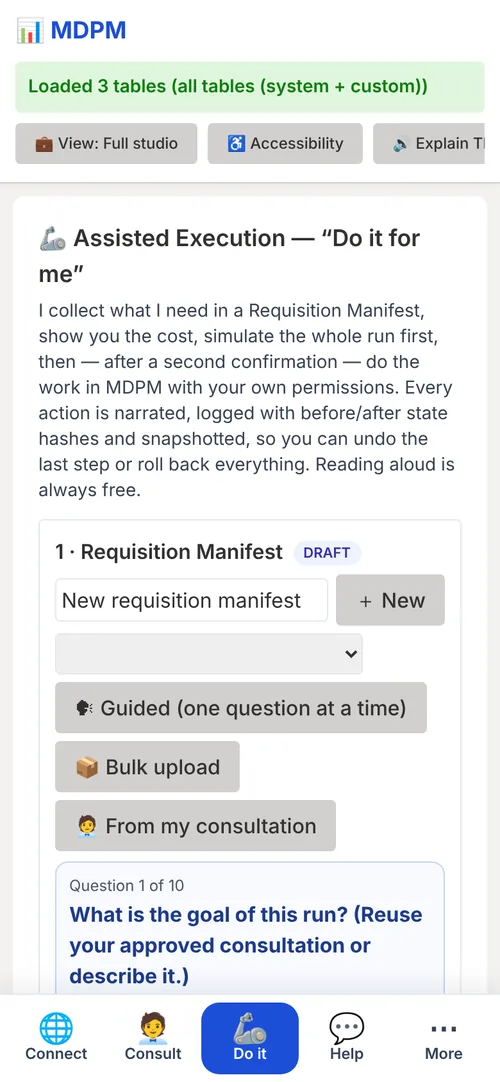
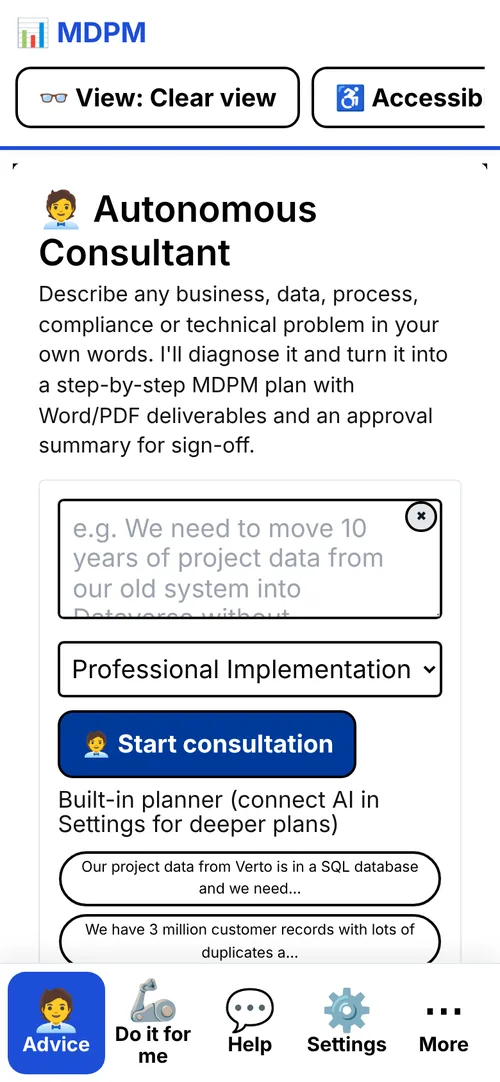
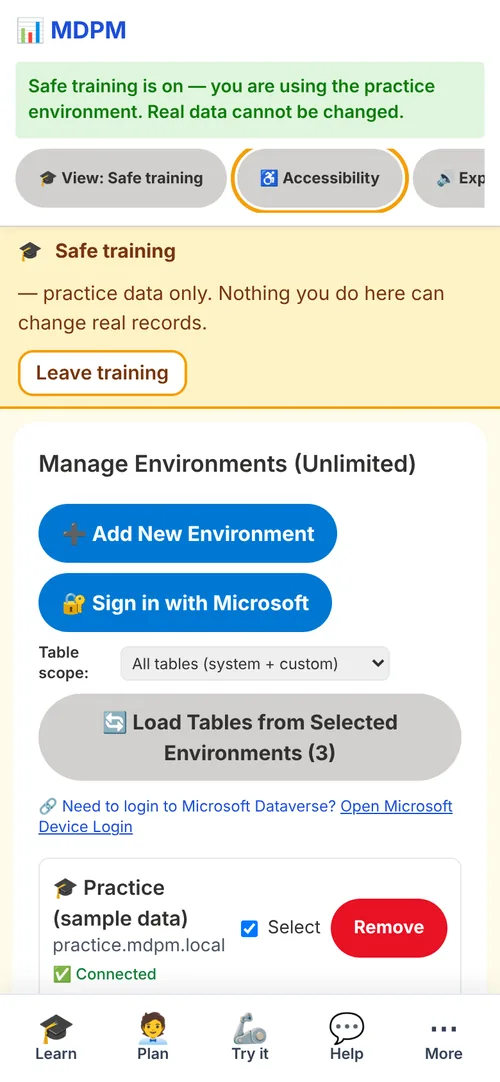
Reading aloud, screen-reader support, voice control and keyboard use are included on every plan at no cost. About accessibility
Questions people ask
Does MDPM replace Power Automate or an ETL tool?
For moving and cleaning Dataverse data, it can. It is built only for Dataverse, so it handles lookups, choice columns, throttling and rollback without custom code.
Where does my data go?
MDPM runs in your browser and talks directly to your Dataverse environment with your own Microsoft sign-in. Database connections go through the MDPM Bridge on your own network. Our servers only keep what features need: your account and usage, consultation history, and, if you use “Do it for me”, the snapshots that make rollback possible.
How fast is it?
As fast as Microsoft allows. Dataverse limits how many requests each user can make, so MDPM sends large batches in parallel and slows down automatically when Microsoft asks it to.
Can I try it without touching real data?
Yes. Safe training gives you a practice environment with sample data, and every load can be rehearsed as a dry run first.
Do I need to install anything?
No. Open it in a browser, or install it on your phone or desktop from this site. The Bridge is only needed for database connections.
Try it on your own data
Start on the free plan with one environment and 10,000 rows a month. Upgrade when you need more.